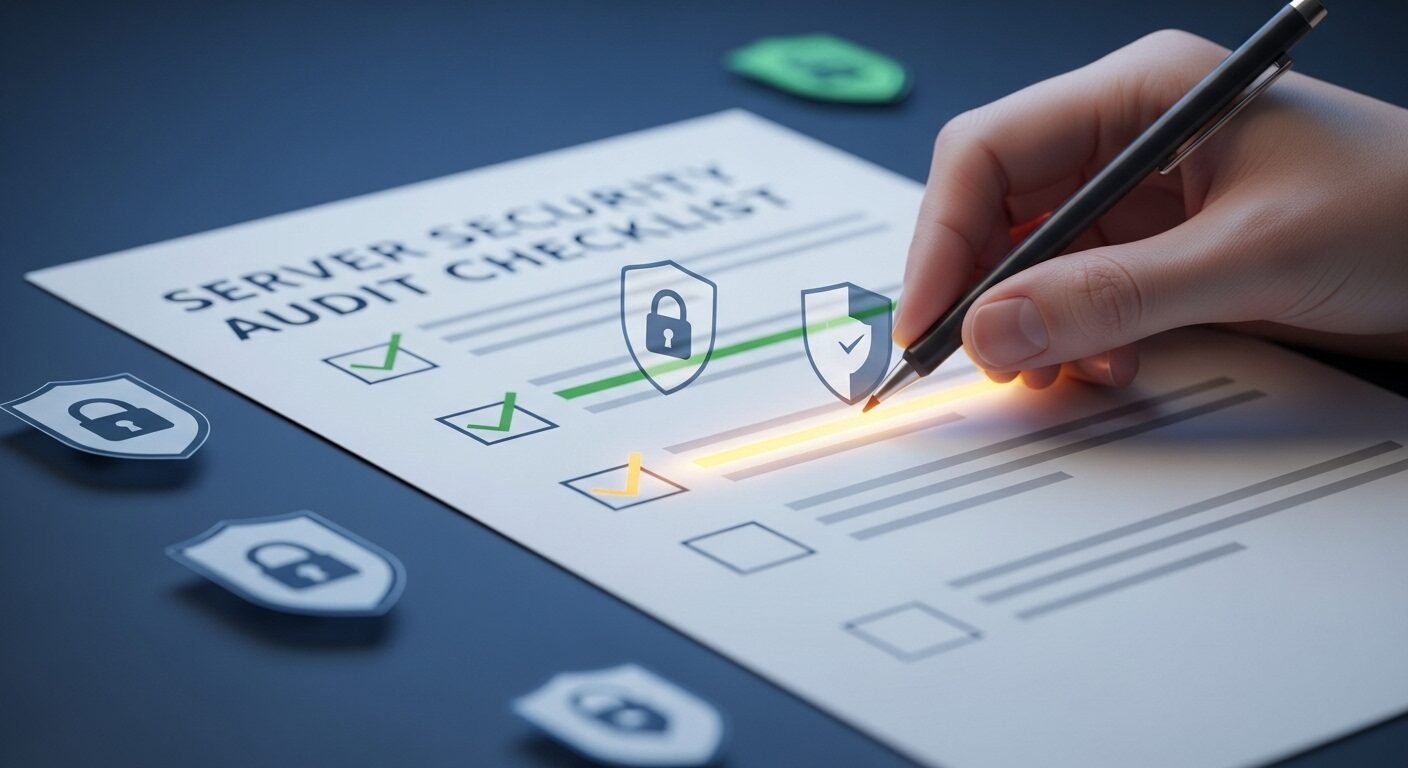
How to Perform a Comprehensive Server Security Audit in 7 Steps

⏱ 6 min read
A server security audit is a systematic review of your infrastructure’s defenses against cyber threats. This process involves evaluating configurations, identifying vulnerabilities, and verifying compliance with security policies. According to industry data, regular audits can prevent up to 85% of targeted attacks by closing common security gaps. This guide provides a structured, seven-step checklist to help you conduct a thorough assessment and strengthen your server environment.
Key Takeaways
- Define clear scope and objectives for your security assessment.
- Inventory all assets, including hardware, software, and data.
- Conduct vulnerability scans and penetration tests.
- Review user access controls and authentication mechanisms.
- Analyze system logs and monitor for suspicious activity.
- Verify compliance with relevant security standards.
- Document findings and create a remediation plan.
What is a Server Security Audit?
A server security audit is a formal examination of your IT infrastructure to identify security weaknesses, ensure policy adherence, and validate protective controls. It systematically assesses configurations, access rights, software patches, and network defenses against established benchmarks and threat models.
This process provides a clear snapshot of your security posture. Experts recommend conducting these audits quarterly or after any significant system change. The goal is to proactively find and fix issues before they can be exploited.
A robust server audit goes beyond simple scanning. It involves manual review, automated tools, and policy analysis. The standard approach is to compare your environment against frameworks like the Center for Internet Security (CIS) Benchmarks.
How Do You Plan a Security Audit?
Effective planning is the foundation of a successful audit. You must define the scope, objectives, and methodology before beginning. Clearly document which servers, networks, and applications are in scope to avoid scope creep.
Start by establishing your audit goals. Are you checking for general hardening, preparing for a compliance standard like PCI DSS, or investigating a specific concern? Next, assemble your tools. You will need vulnerability scanners, configuration review tools, and log analysis software.
Research shows that audits planned with stakeholder input are more effective. Inform relevant system owners and schedule the audit during a maintenance window if needed. Ensure you have the necessary credentials and access permissions.
What Assets Should You Inventory?
A complete asset inventory is critical. You cannot secure what you do not know exists. Catalog all hardware, software, data repositories, and network devices within the audit scope.
This includes physical servers, virtual machines, operating systems, installed applications, and databases. Note their versions, patch levels, and configurations. Document network topology, including firewalls, routers, and switches.
For data, identify where sensitive information like Personal Identifiable Information (PII) or financial records is stored. The asset inventory becomes your master list for all subsequent checks. Tools like network discovery scanners can automate much of this process.
How to Check for Vulnerabilities
Vulnerability assessment identifies known security flaws in your systems. Use automated scanners like Nessus or OpenVAS to probe for missing patches, misconfigurations, and weak encryption. Prioritize findings based on severity and potential business impact.
Scanning should be conducted from both internal and external network perspectives. This reveals different attack vectors. Always follow up automated scans with manual verification to reduce false positives.
Consider supplementing scans with controlled penetration testing. Ethical hackers simulate real attacks to find complex chained vulnerabilities. According to industry data, unpatched software causes nearly 60% of data breaches.
The 7-Step Server Security Audit Process
- Plan & Scope: Define goals, boundaries, and assemble tools.
- Asset Inventory: Discover and document all systems and data.
- Vulnerability Scan: Run automated and manual tests for flaws.
- Configuration Review: Check settings against hardening guides.
- Access Control Audit: Review user accounts, permissions, and policies.
- Log & Monitoring Analysis: Examine event logs for anomalies.
- Compliance Check & Reporting: Measure against standards and document findings.
Why Review Access Controls?
Access control reviews ensure only authorized users can access specific resources. Examine user accounts, group policies, and permission assignments for excessive privileges. This is a common failure point in server security.
Check for dormant or orphaned accounts that should be disabled. Verify that the principle of least privilege is enforced. Review authentication methods, ensuring strong password policies or multi-factor authentication (MFA) is in place.
Audit file system and directory permissions. Look for world-readable or world-writable files that contain sensitive data. Experts in the field recommend reviewing access controls at least semi-annually.
| Tool Type | Primary Function | Example Tools | Best For |
|---|---|---|---|
| Vulnerability Scanner | Finds known software flaws | Nessus, Qualys, OpenVAS | Automated patch and CVE detection |
| Configuration Auditor | Checks system settings | Lynis, CIS-CAT, Microsoft SCM | Compliance with hardening benchmarks |
| Log Analyzer | Correlates event data | Splunk, Graylog, ELK Stack | Identifying suspicious activity patterns |
| Penetration Testing | Simulates attacker techniques | Metasploit, Burp Suite, Nmap | Finding complex, chained vulnerabilities |
How to Analyze Logs and Monitor Activity
Log analysis uncovers past and present security incidents. Centralize logs from servers, applications, and network devices for correlation. Look for failed login attempts, privilege escalations, and unusual network connections.
Establish a baseline of normal activity to spot anomalies. Monitor for signs of malware, data exfiltration, or insider threats. Ensure your logging is comprehensive and that logs are stored securely to prevent tampering.
Effective monitoring provides real-time alerts. This allows for immediate response to potential breaches. The platform serveraudit.online can help streamline log collection and analysis for smaller teams.
How to Ensure Compliance and Report Findings
The final step is measuring your posture against regulatory or internal standards. Create a detailed report that lists findings, risk ratings, and actionable remediation steps. This document is your roadmap for improvement.
Compare your configurations to frameworks like CIS Benchmarks, NIST SP 800-53, or ISO 27001. Document any gaps. Assign each finding a priority based on its exploitability and impact.
Present the report to stakeholders and management. Schedule follow-up audits to verify that remediation actions have been completed. A good report turns audit data into a strategic security plan.
Frequently Asked Questions
How often should you perform a server security audit?
You should perform a full, comprehensive audit at least annually. However, critical systems or those handling sensitive data may require quarterly or even monthly reviews. Continuous monitoring and automated scanning should supplement these formal audits.
What is the main difference between a vulnerability scan and a penetration test?
A vulnerability scan is an automated, broad search


-
-
-
-
-
-
-
Show Comments[…] are equally risky, as they cannot be rotated without a code update. A fundamental step in any server security audit is credential discovery and verification. All default passwords must be changed before […]
[…] How to Perform a Comprehensive Server Security Audit in 7 Steps […]
[…] successful server security audit requires thorough preparation, documentation, and evidence […]
[…] How to Perform a Comprehensive Server Security Audit in 7 Steps […]
[…] How to Perform a Comprehensive Server Security Audit in 7 Steps […]
[…] Server security auditing involves comprehensive examination of system configurations, user permissions, network settings, and software vulnerabilities. These tools scan for common misconfigurations that could expose sensitive data or provide entry points for attackers. The process typically includes vulnerability assessment, compliance checking, and reporting functionalities. […]
[…] robust server security audit before deployment builds stakeholder confidence. It demonstrates due diligence and a proactive […]